SlideStudio offers a wide selection of professionally designed slides tailored to meet various presentation needs.
Whether you’re creating a pitch deck, a business report, or a creative portfolio, SlideStudio has categorized designer slides to help you find the perfect fit. Simply start by choosing a Design Concept (Abstract or Realistic) that suits your presentation type, then click on the thumbnail under the Design Type to explore the details of each design. You’ll find a descriptions that outline the slide’s purpose and visual style, making it easy to select the slides that will best showcase your content and captivate your audience.
Flow
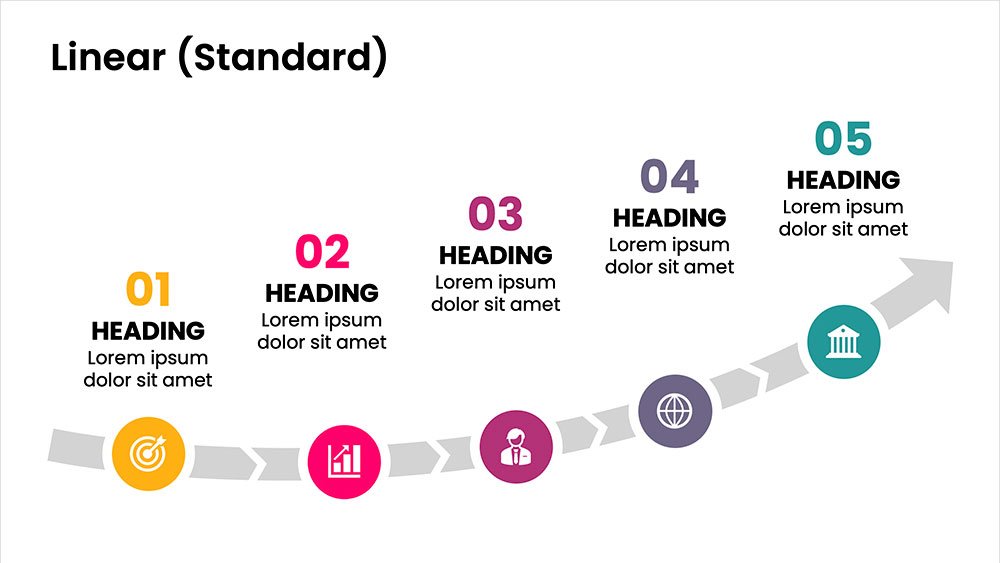
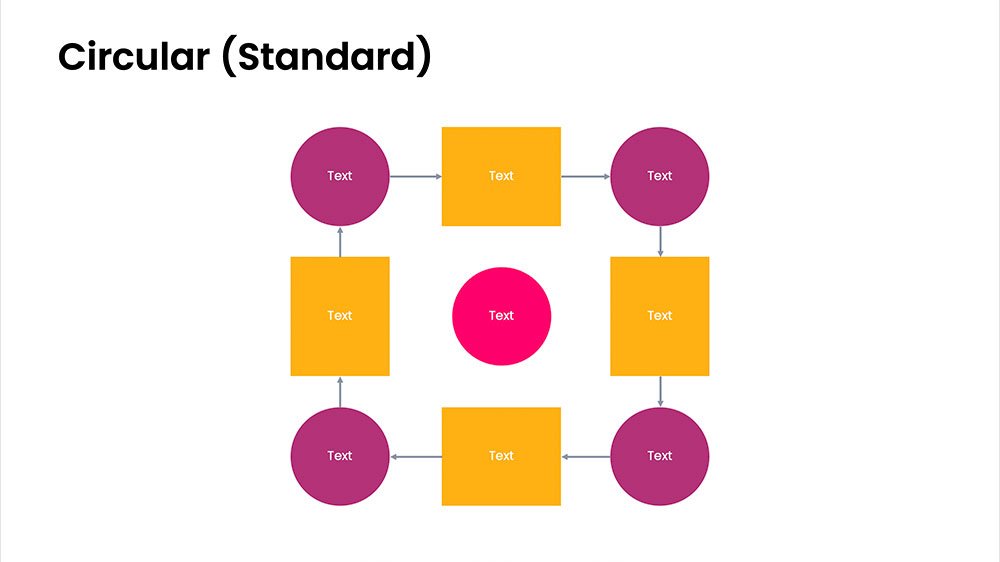
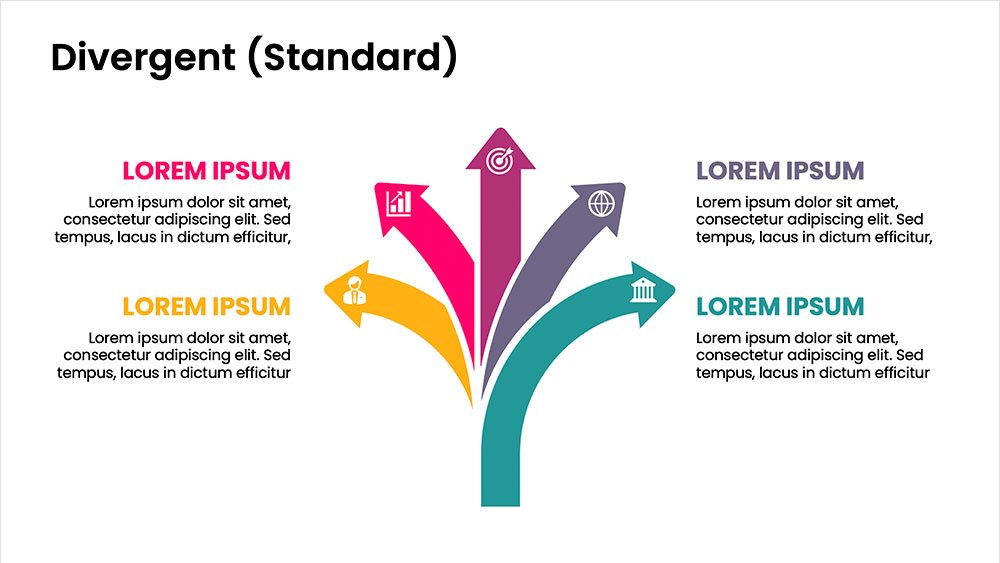
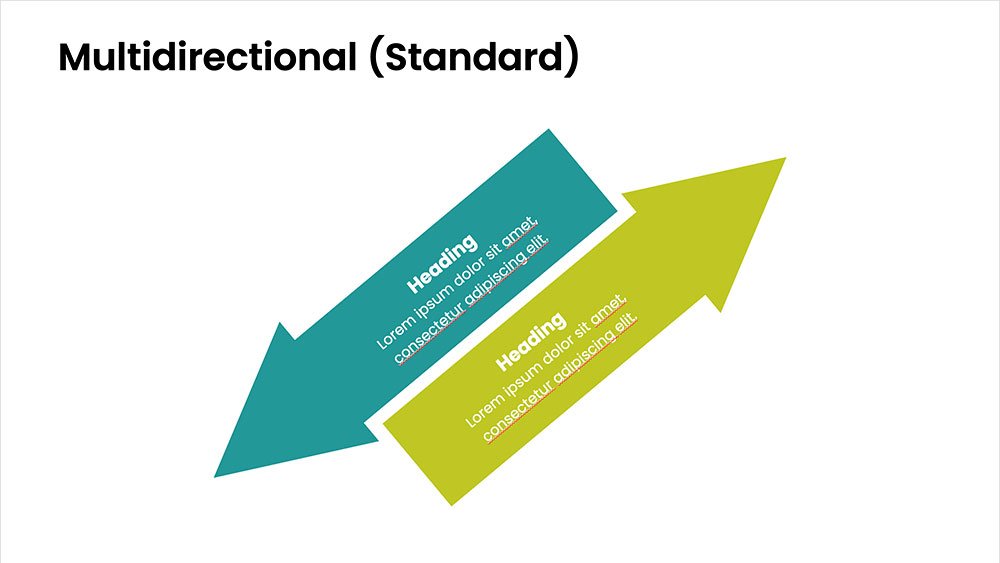
This concept focuses on illustrating the movement or progression of information. It can be represented in various forms, such as linear, circular, divergent/convergent, or multidirectional pathways, to convey how elements progress or connect in a sequence.
Linear
A step-by-step structure that illustrates a straightforward progression from start to finish.
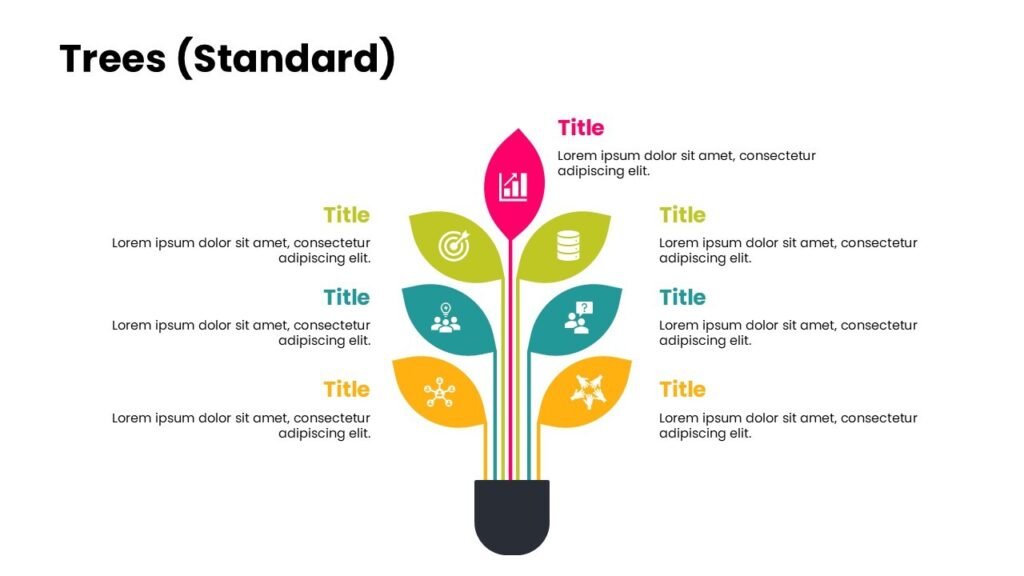
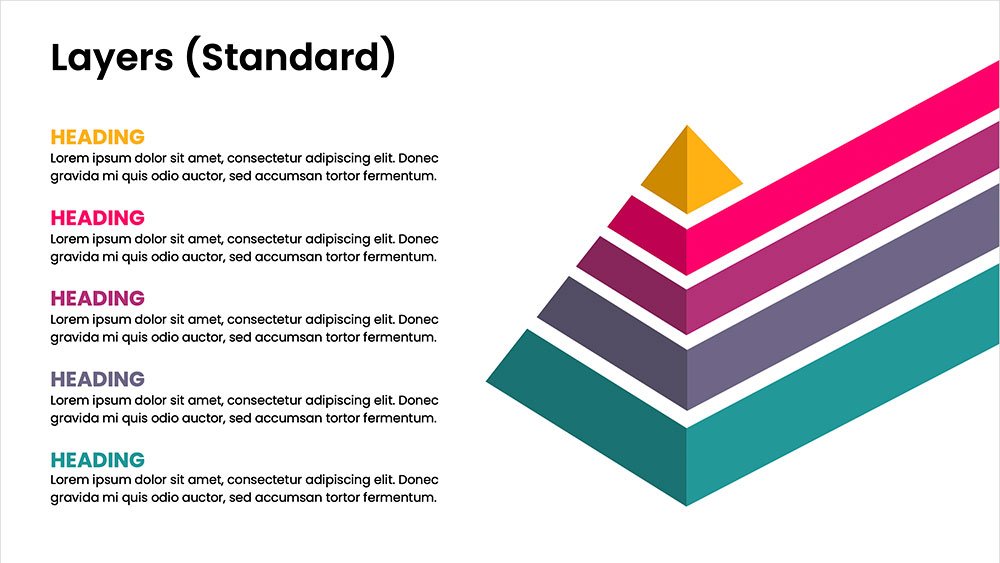
This concept organizes information hierarchically or categorically, often using matrices, trees, or layered arrangements. It helps to present the framework or arrangement of components within a system or process.
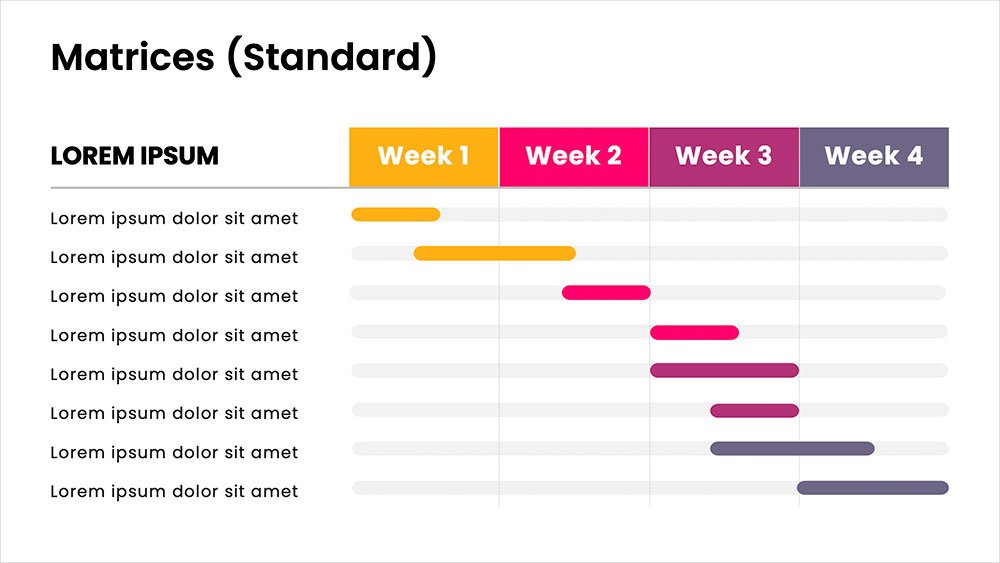
MATRICES
A grid format that compares information across categories or dimensions side-by-side.
This concept visually groups related items together, showing associations or overlaps. Cluster designs c to represent elements that belong together within a context or theme.
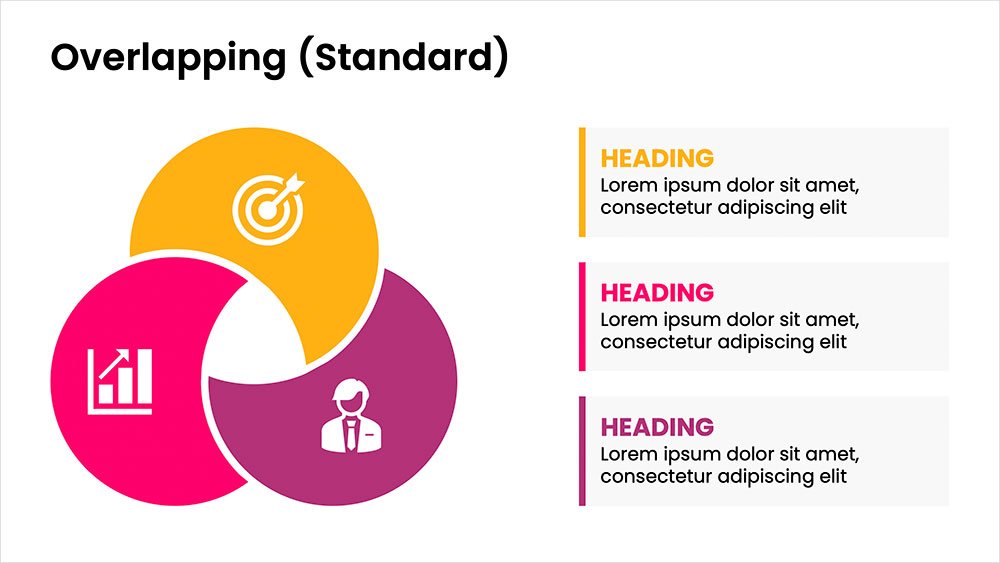
OVERLAPPING
Displays shared areas or intersections, useful for showing commonalities in Venn diagrams.
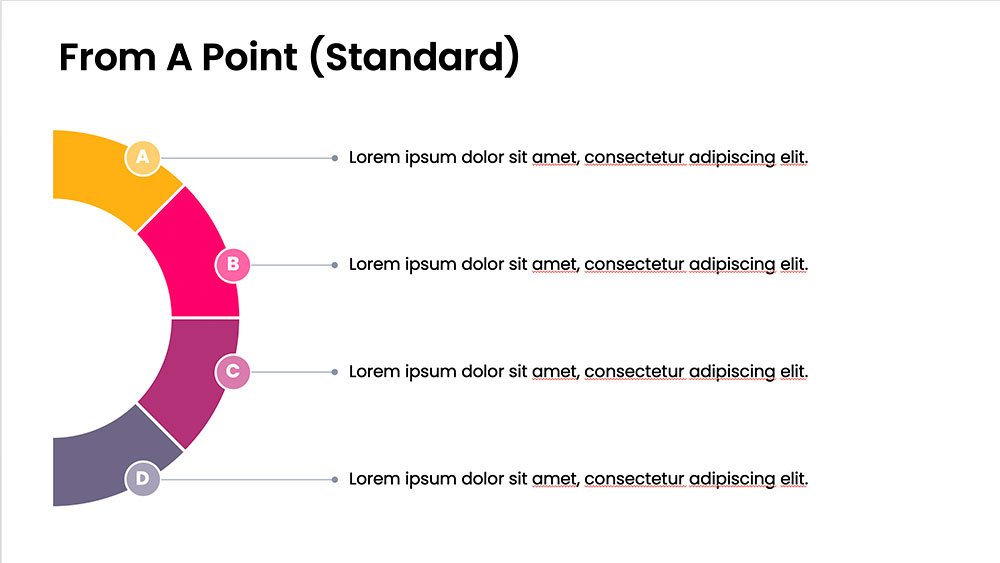
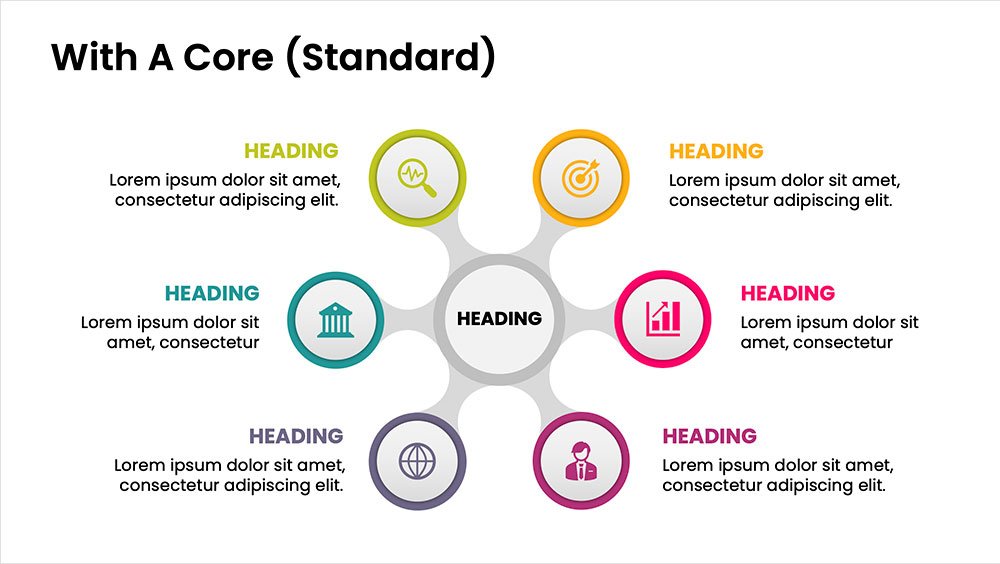
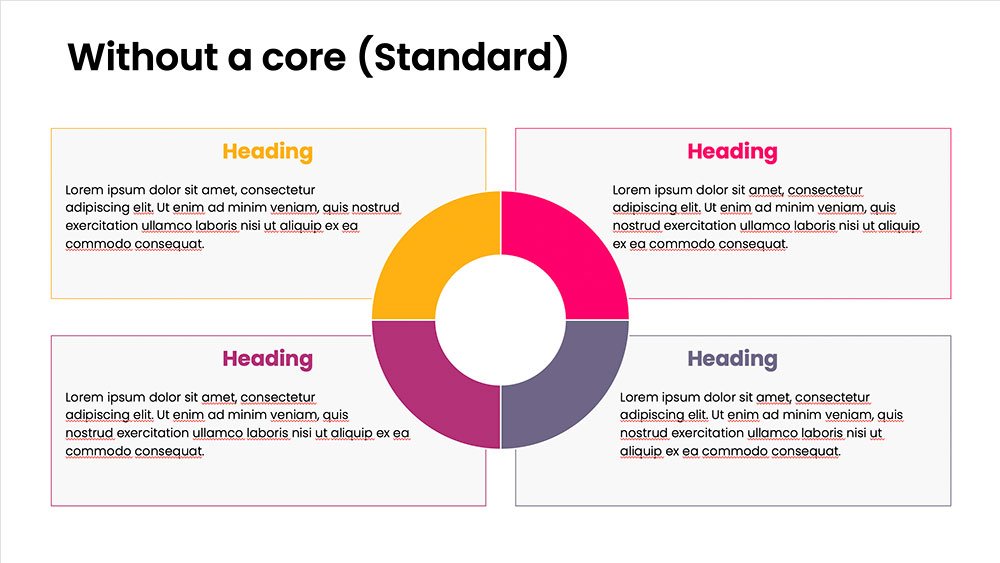
This concept shows elements extending outward from a central point, typically illustrating a spread or influence. It can be depicted with or without a core and represents a central idea that radiates outwards.
FROM POINT
Spreads outward from a central point, symbolizing expansion from a core idea.
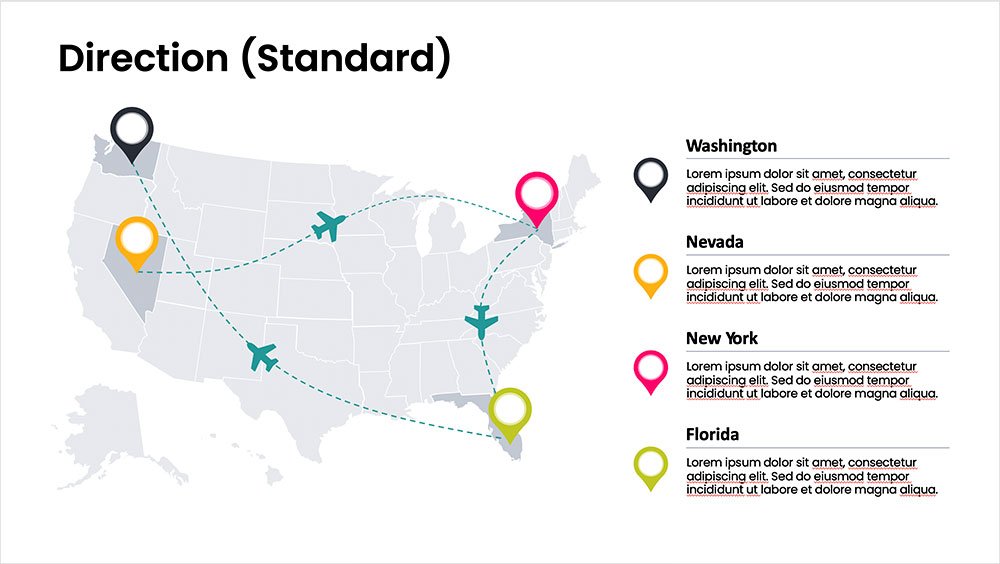
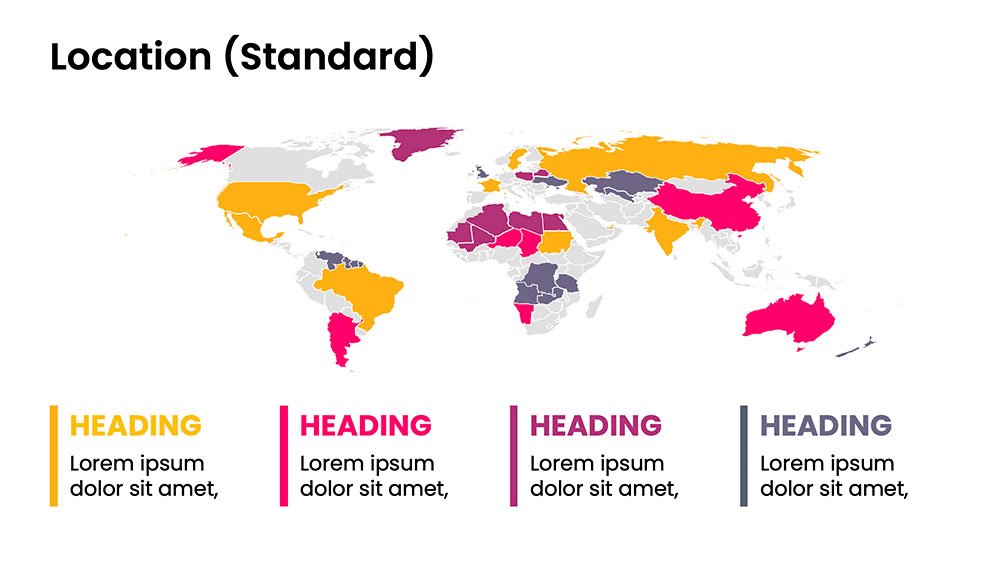
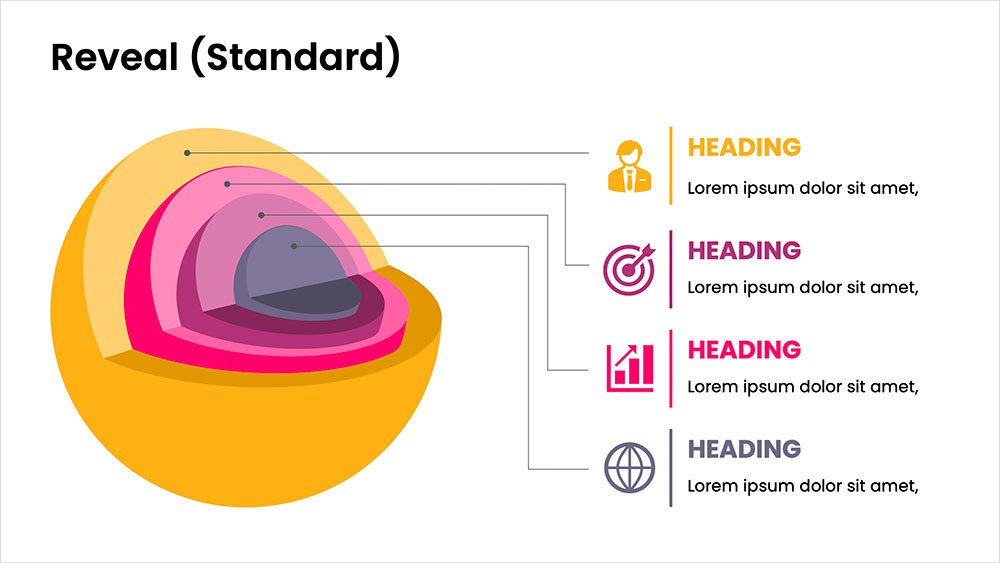
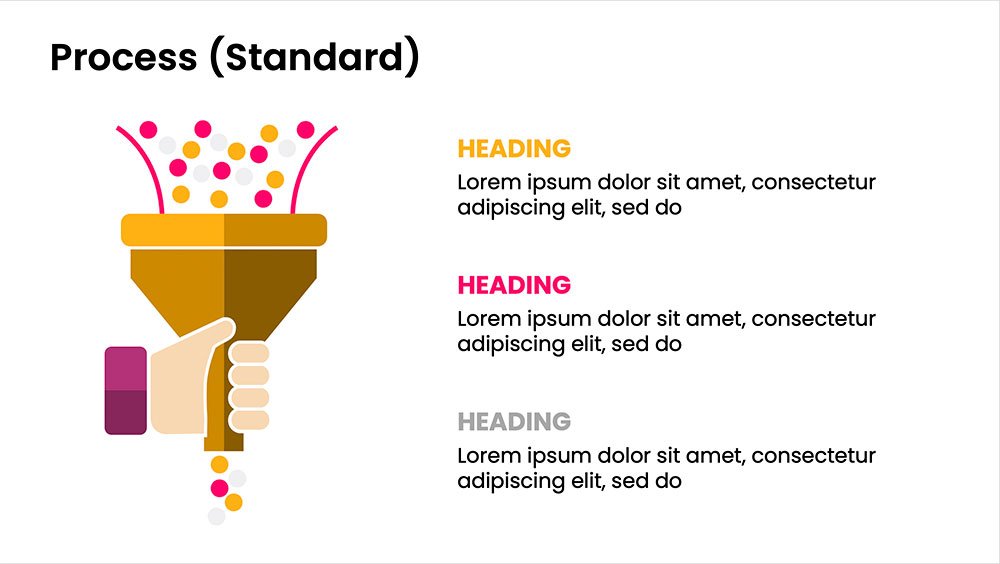
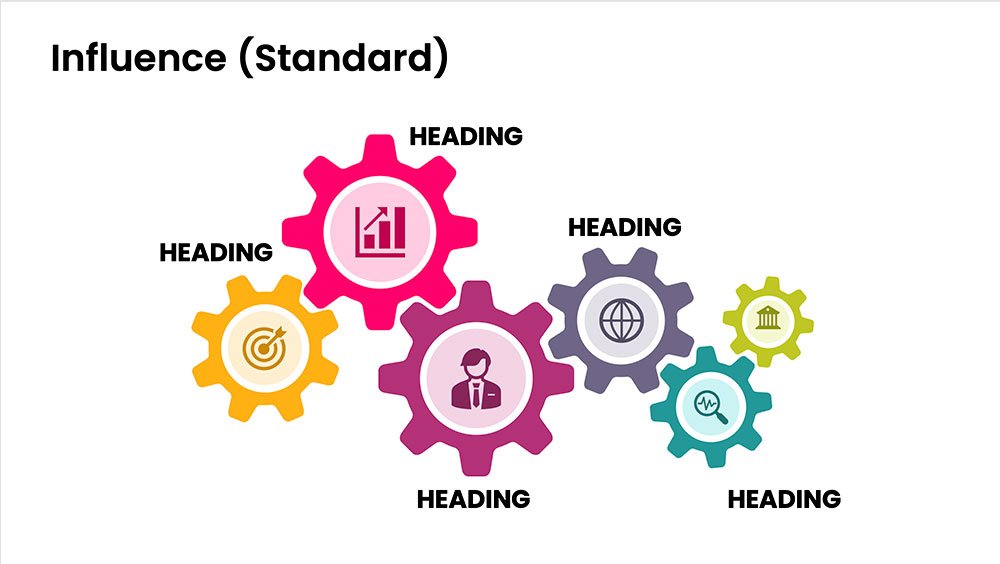
This concept uses images or icons to convey direction, location, reveal processes, or show influence. It provides a visual representation that is easy to understand and adds clarity to directional or procedural content.
DIRECTION
Uses arrows or paths to guide viewers through a specific route or sequence.
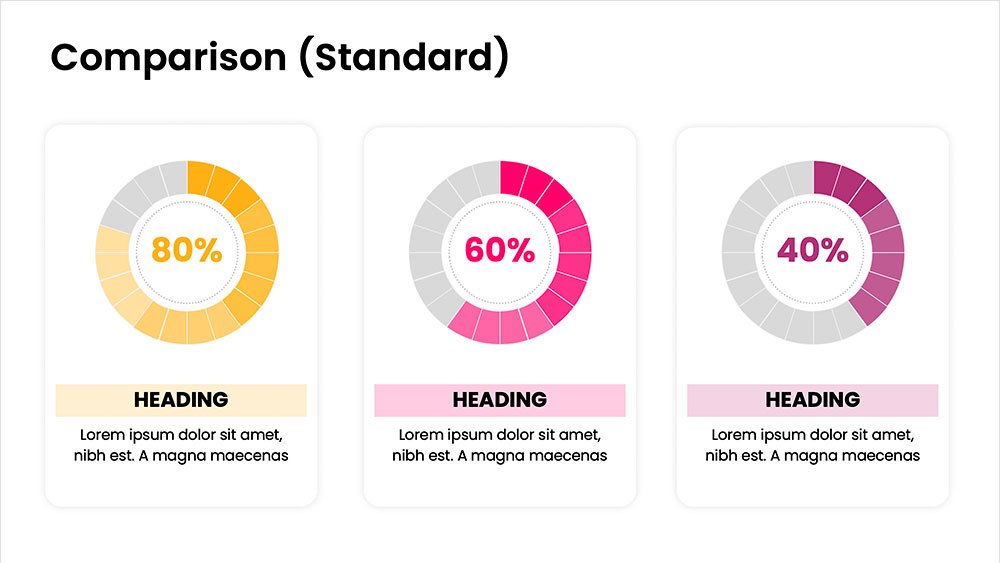
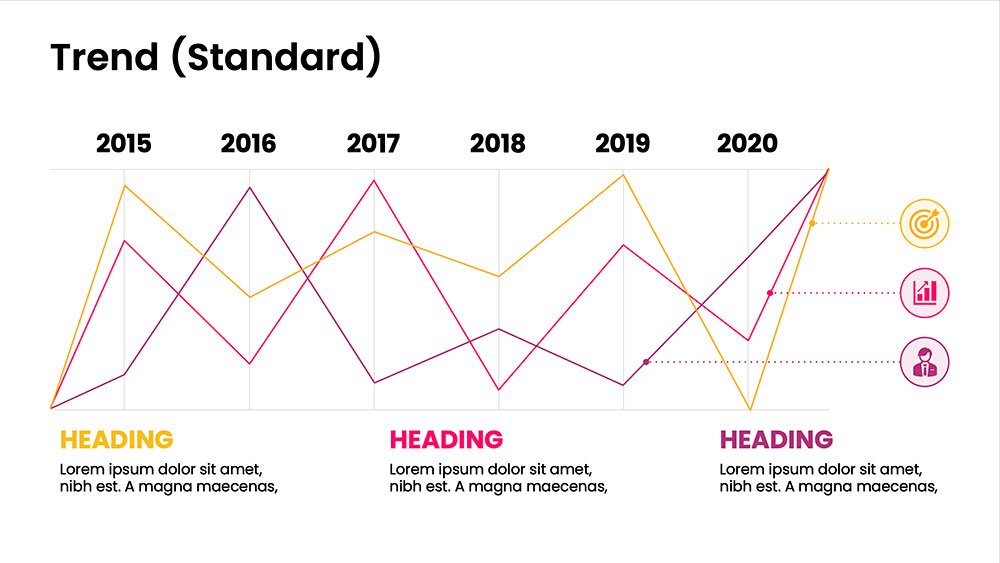
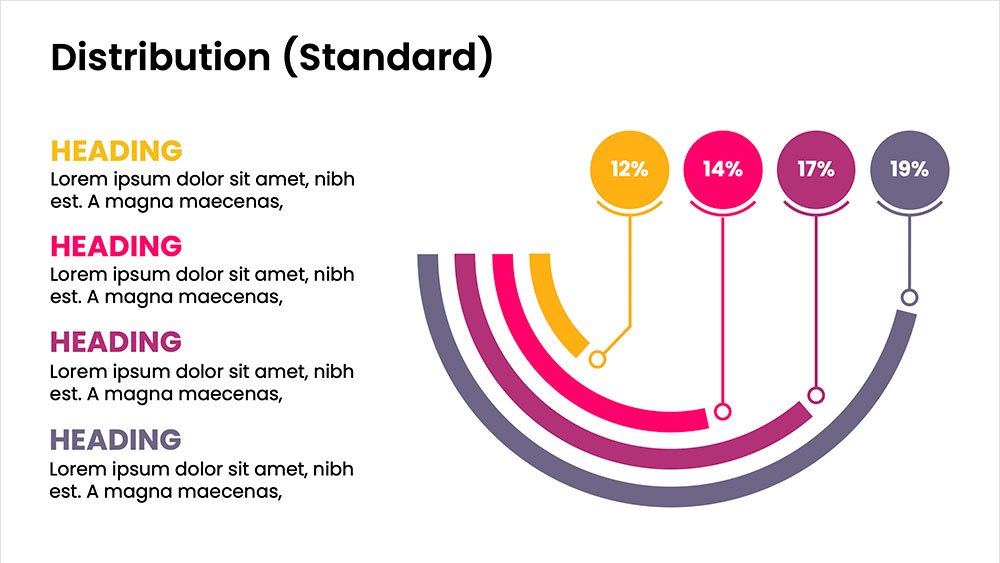
This concept focuses on presenting data in a visual format, such as comparisons, trends, or distributions. Common methods include charts, graphs, or other data visualization techniques to make information easier to interpret at a glance.
COMPARISON
Juxtaposes elements to highlight similarities and differences for easy comparison.